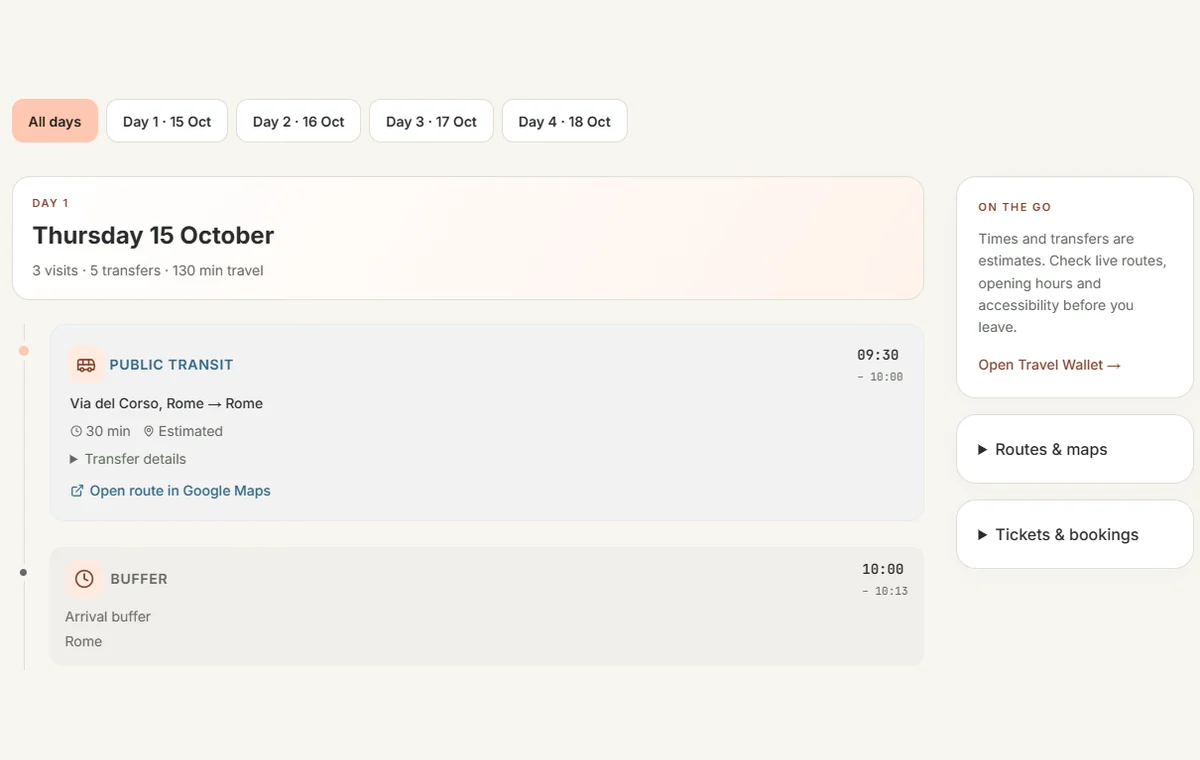
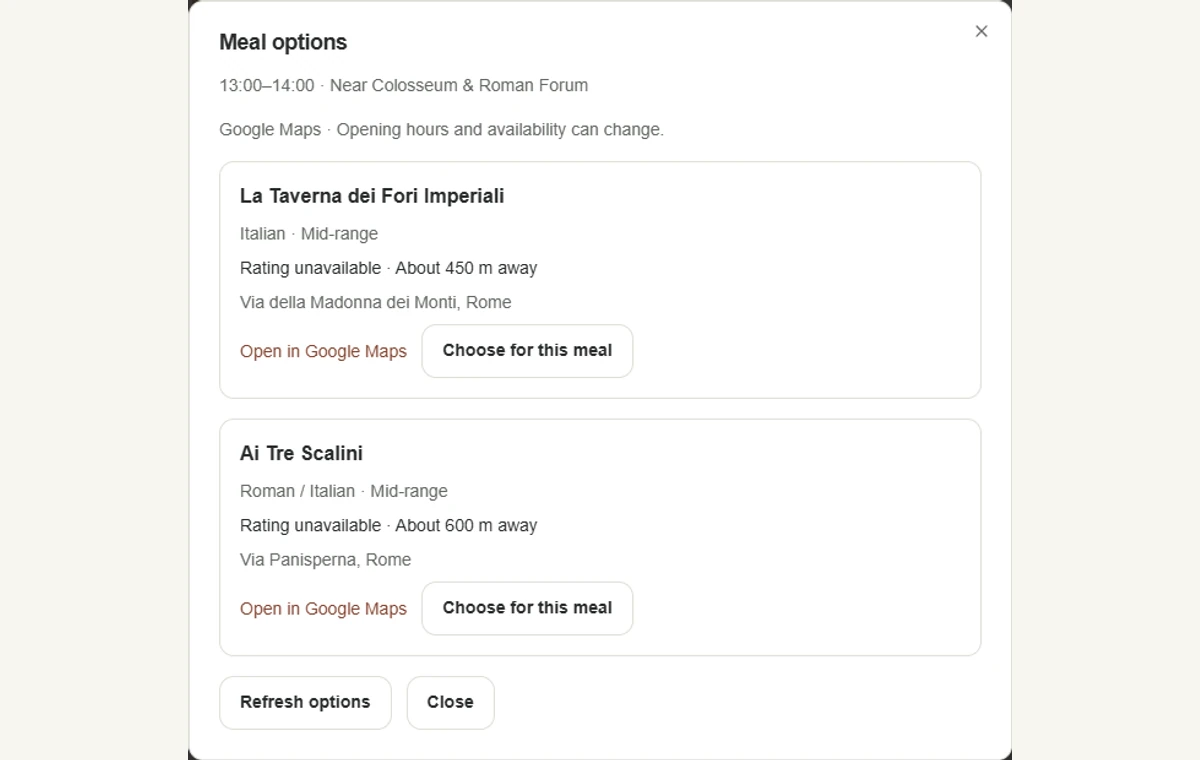
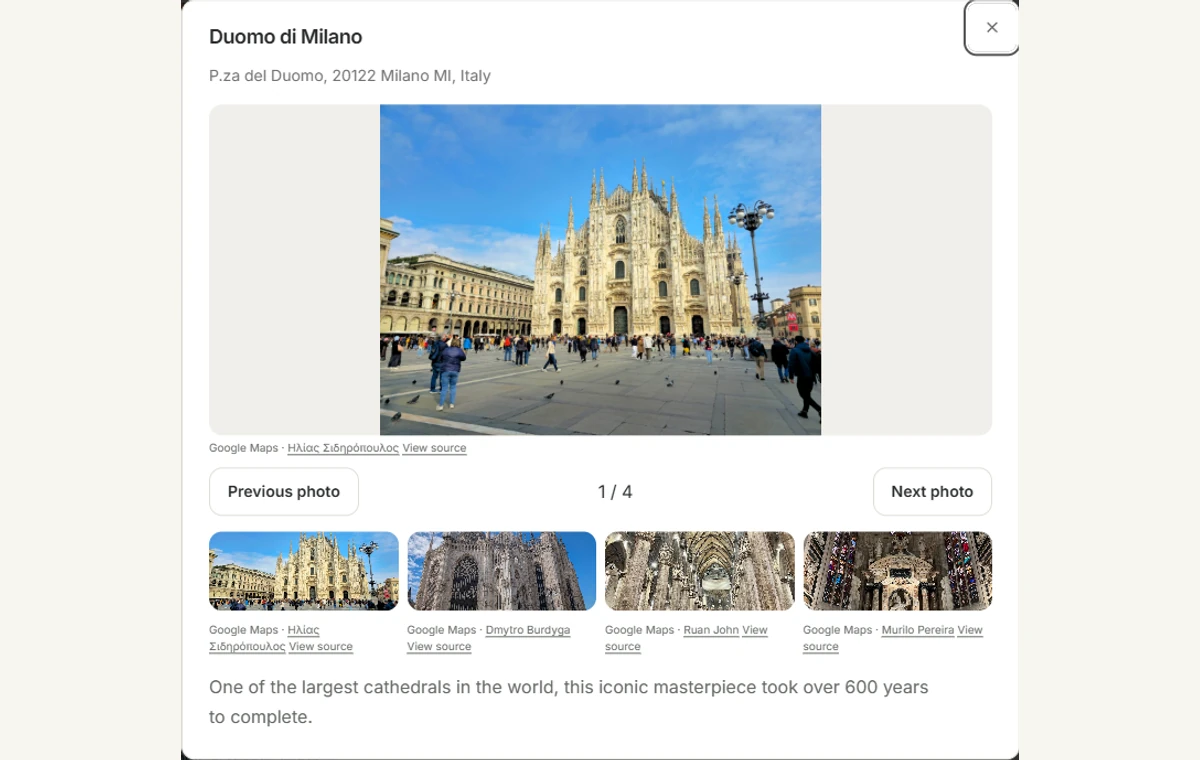
See visits, transfers and breathing space in one daily itinerary. Choose a restaurant for a meal and explore ticket options without losing your place in the plan.
Clear times and a day-by-day flow
Restaurant choices alongside your activities
Book tickets with the provider, then save them to your trip
Compare rental cars with DiscoverCars in a separate tab
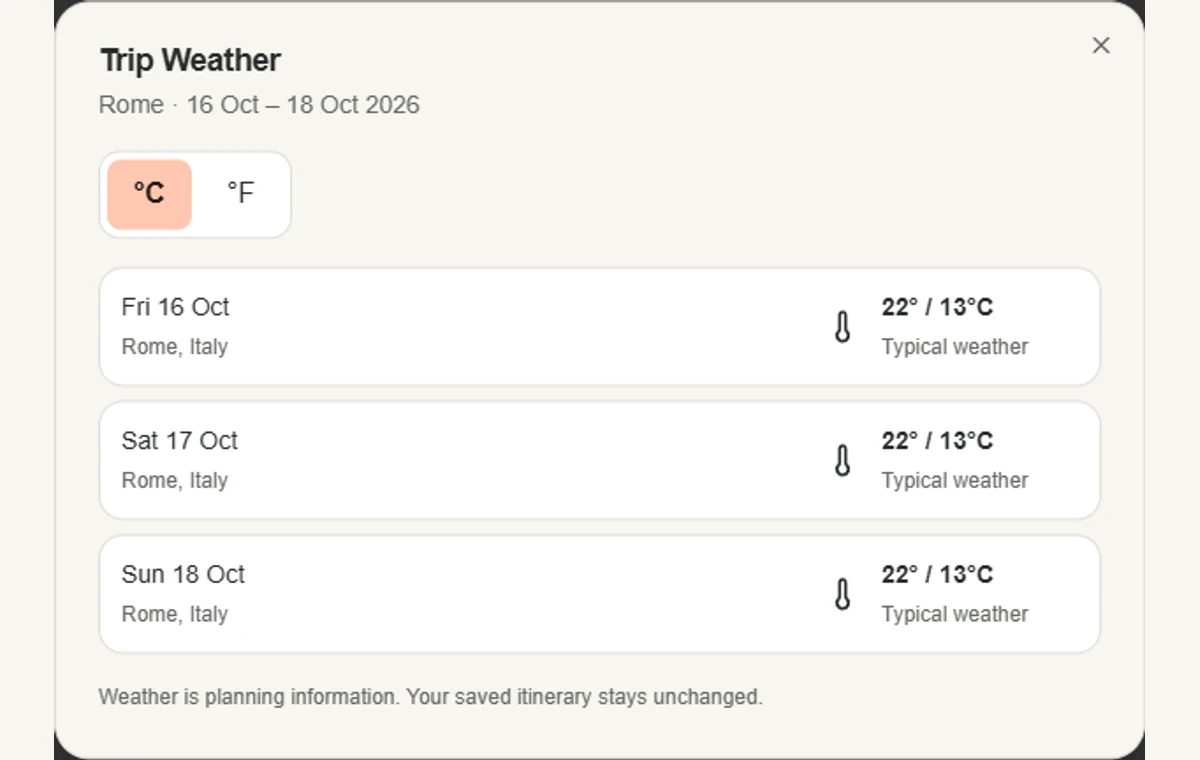
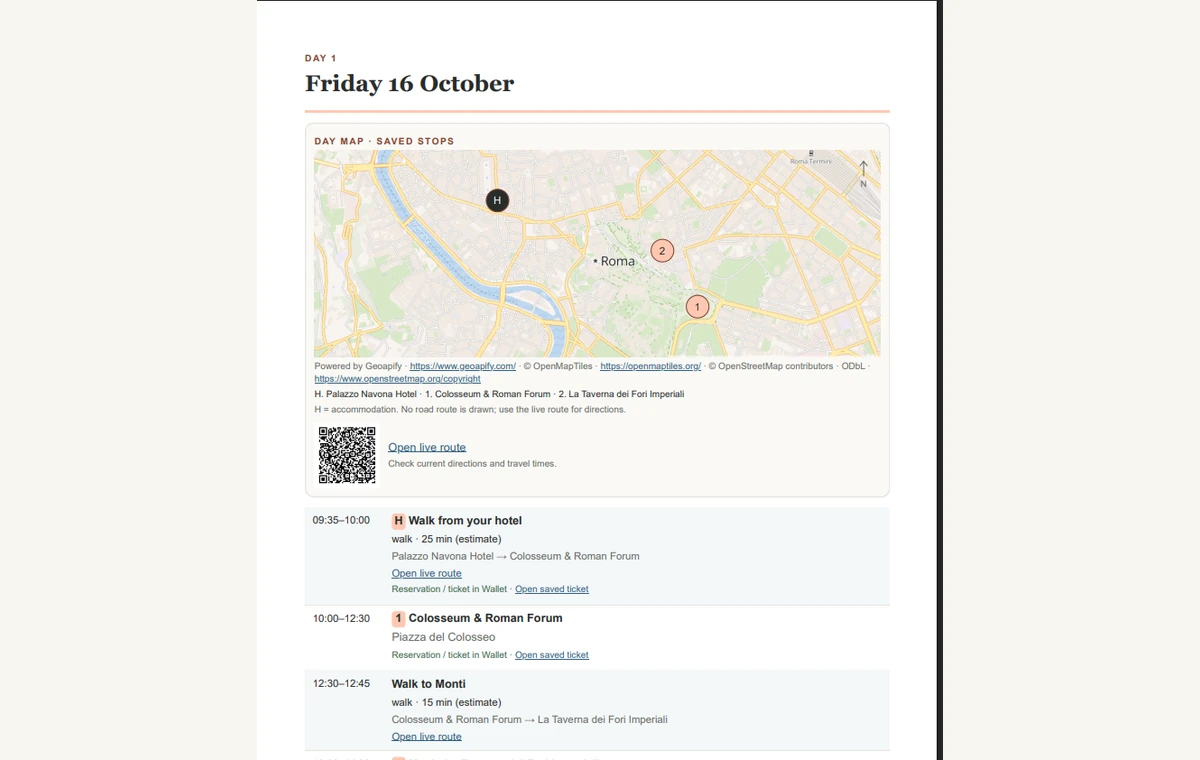
Explore saved stops on an interactive Trip Map, switch between days and open live routes. See the weather beside your plans, with forecasts when available and typical seasonal information further ahead.
Keep destination guidance, tickets and travel documents beside your itinerary.
PREMIUM
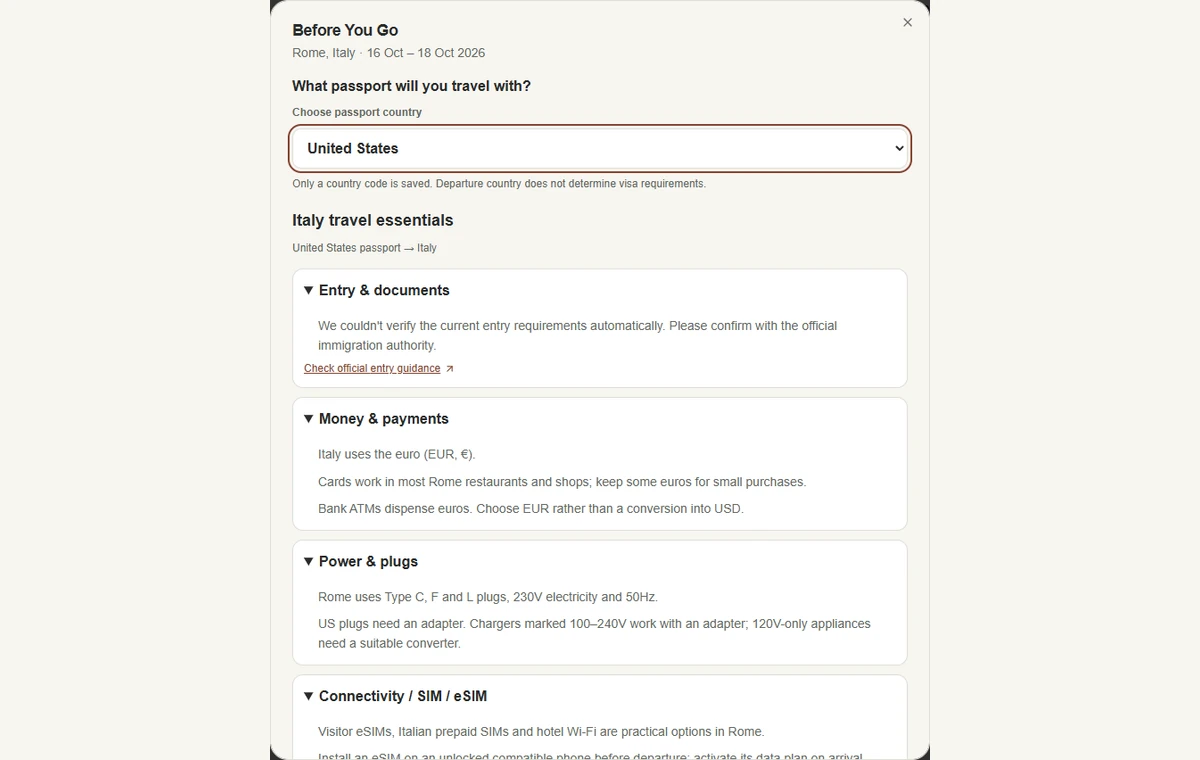
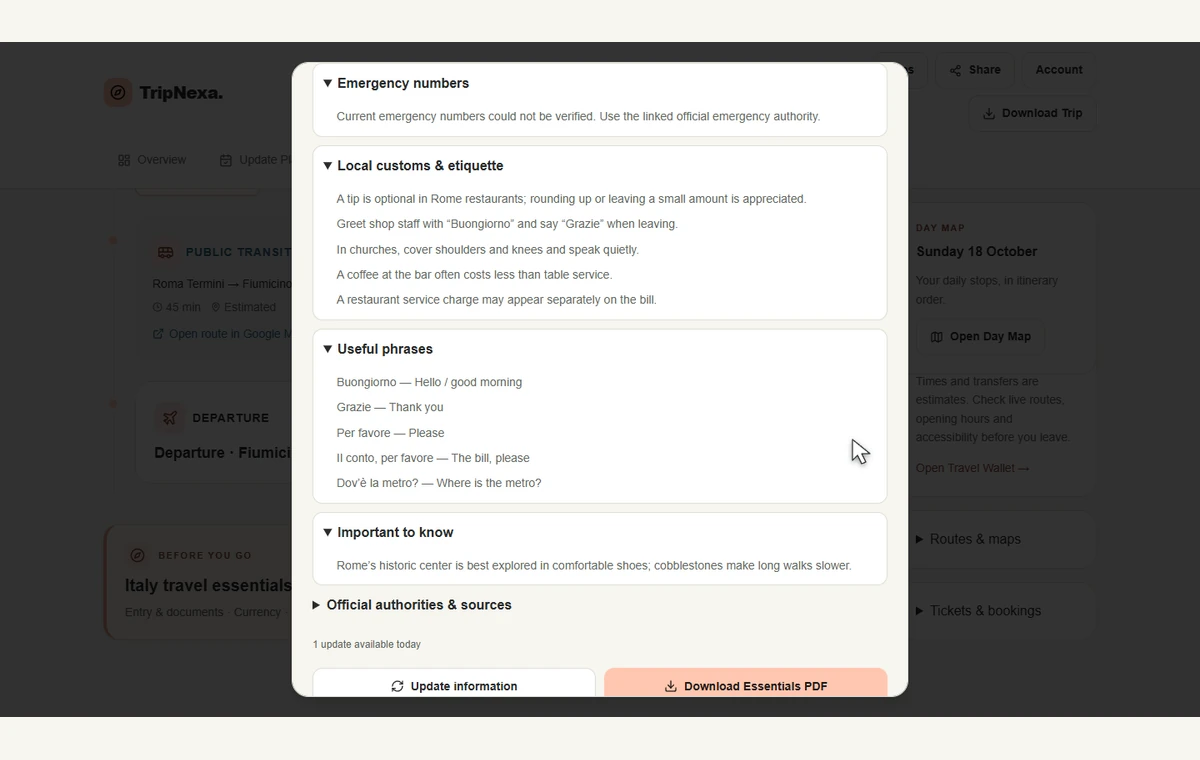
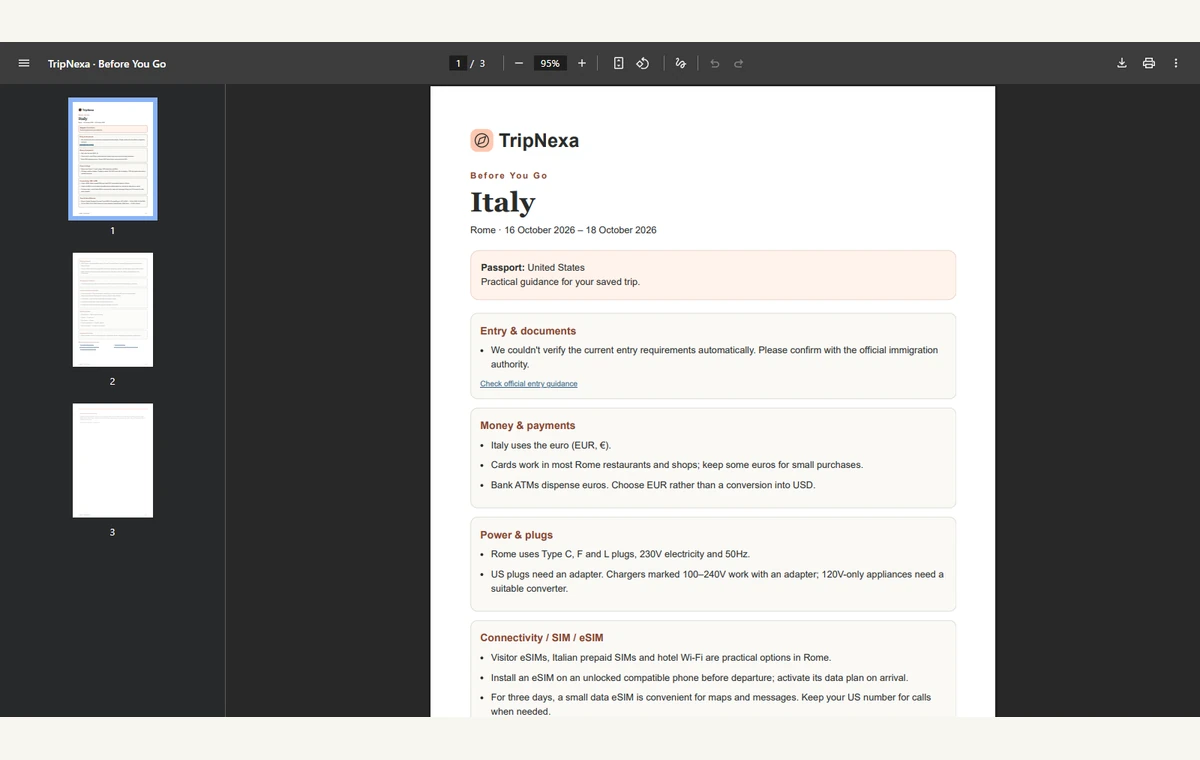
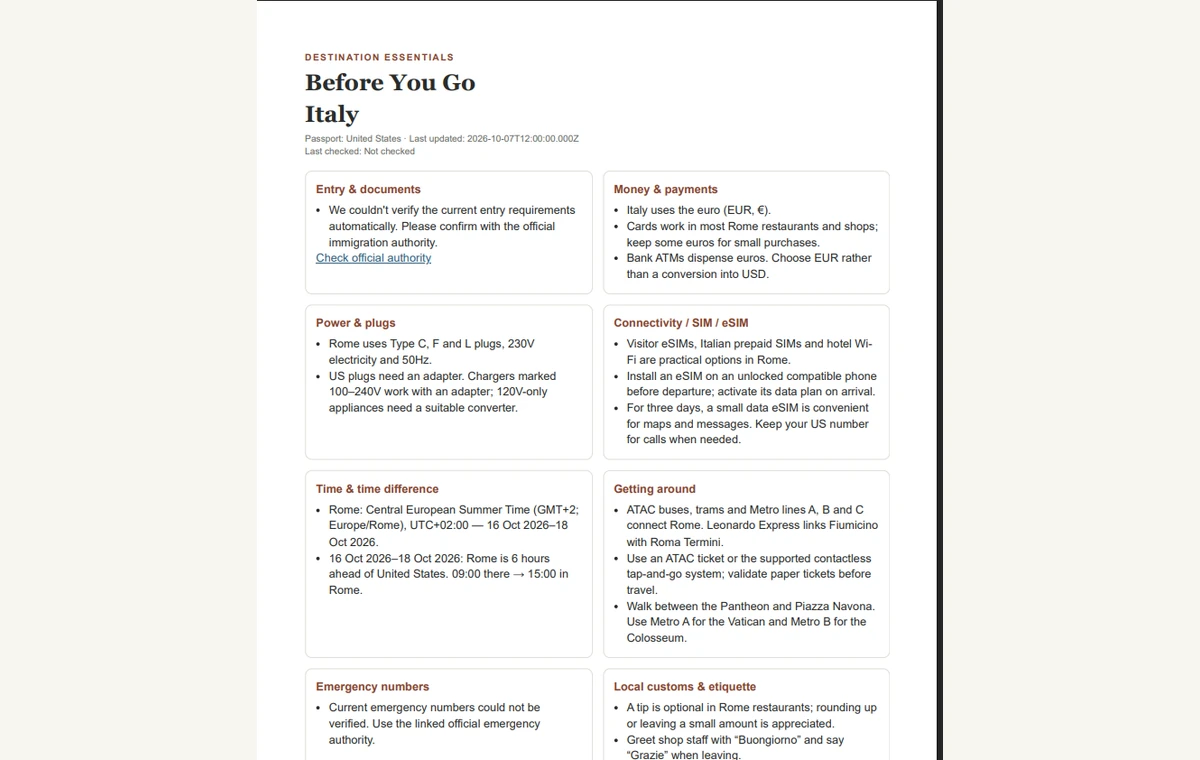
Before You Go
Practical guidance for your destination, dates and passport. Check payments, plugs, transport, customs and useful phrases, with official entry guidance where verification is available.
Only information actually checked against an official source is marked Verified.
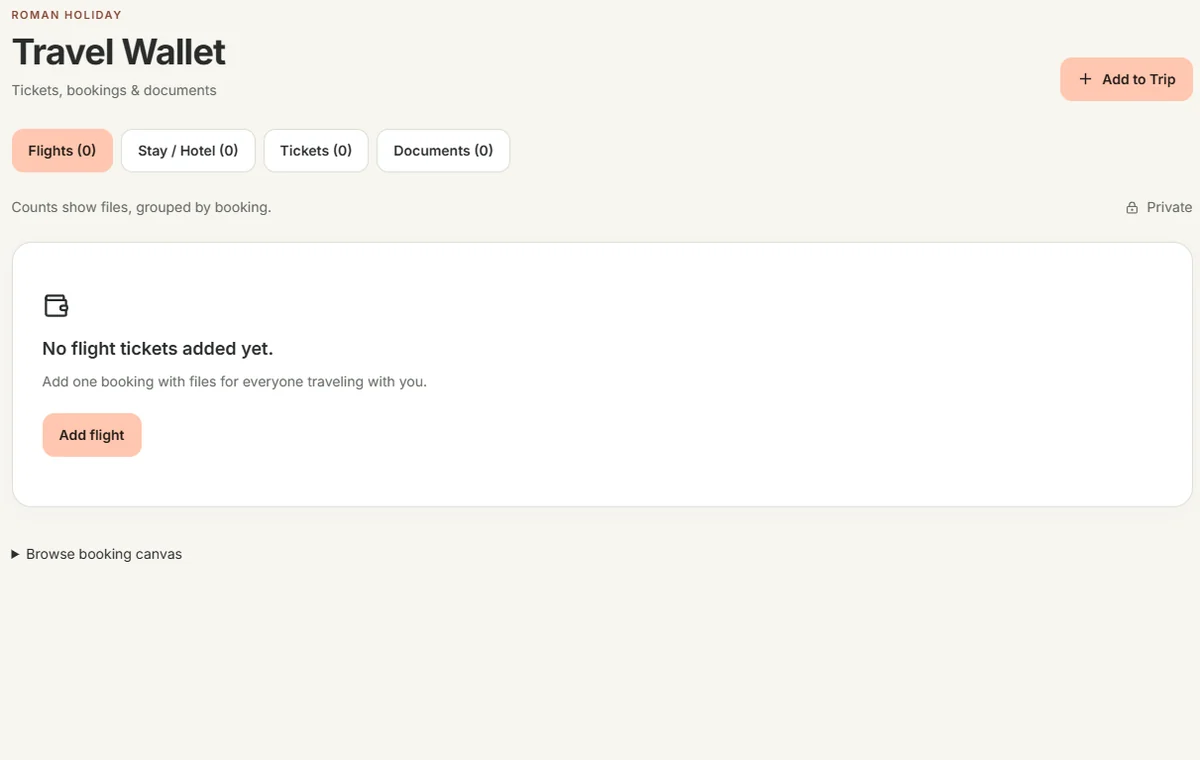
Travel Wallet
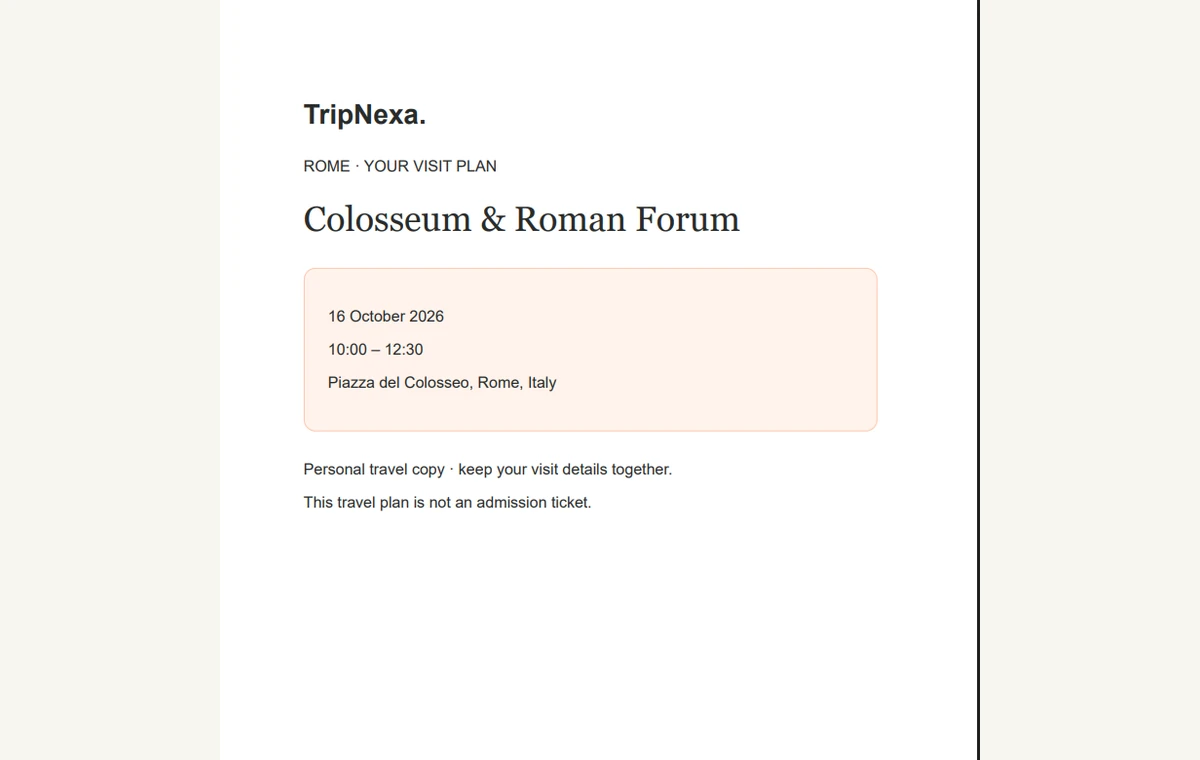
Keep boarding passes, hotel confirmations and tickets together. Open saved documents from your trip. Private files are excluded from shared itinerary links.
Forward a booking confirmation to your private trip address on eligible trips, then review the import in Travel Wallet.
Demo travel documents shown. File limits depend on your plan.
TAKE YOUR TRIP WITH YOU
Your journey, beyond the browser tab.
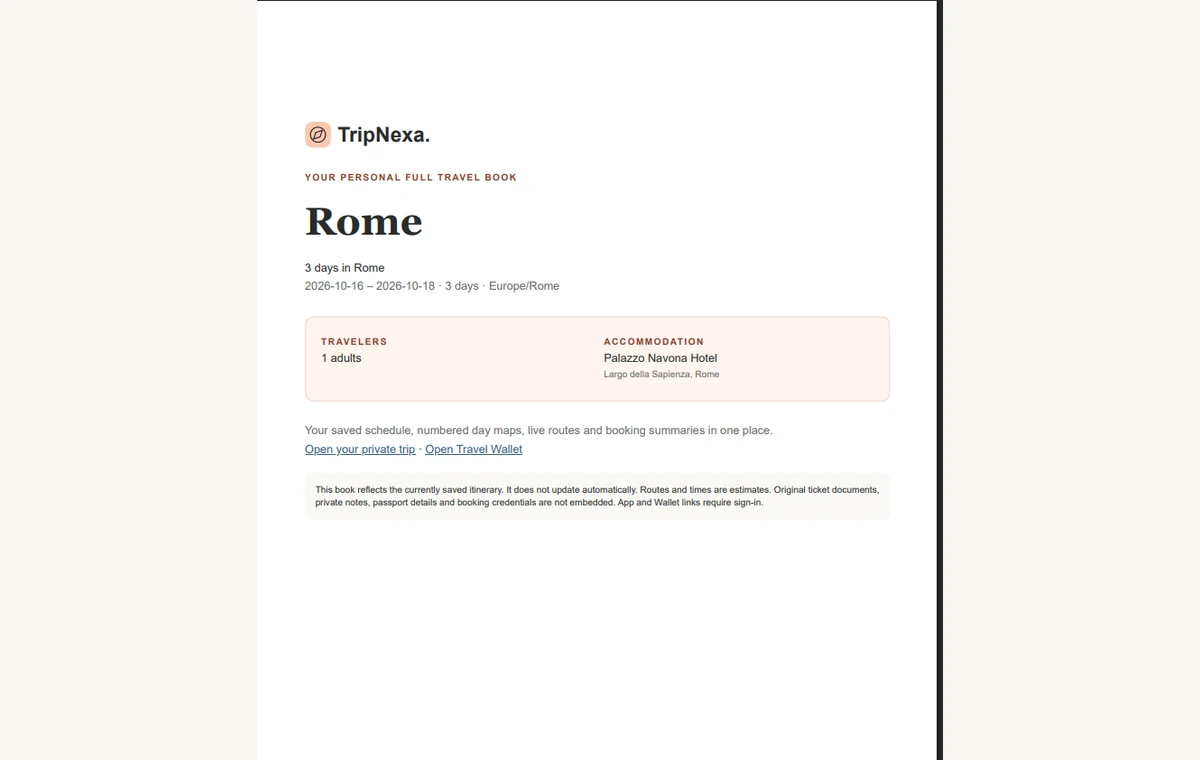
Download a Quick Itinerary or a Full Travel Book with your saved schedule, day maps, booking summaries and travel brief. Save a copy for reference when you're away.
Quick PDF or the complete Full Travel Book
Add planned visits to Google Calendar when you choose
Import all or selected days with a calendar .ICS file
Share an itinerary link while keeping your files private
Before You Go is a premium destination brief tailored to your trip dates and selected passport. It can cover payments, plugs, connectivity, transport, customs and useful phrases. Only facts actually checked against a current official source are marked Verified. Entry and emergency information may remain unavailable; confirm critical requirements with the linked authority. You can download your prepared brief as a PDF.
What can I download for my trip?
Premium trips offer a compact Quick Itinerary PDF and a Full Travel Book containing the saved itinerary, day maps, route links, booking summaries and available saved Before You Go information. The prepared Essentials brief also has its own PDF. These are reference copies of your saved trip, not an interactive offline app. Map imagery depends on provider availability; route and private Wallet links require internet or account access.
Can I forward booking emails to TripNexa?
Yes, with Pro or premium access for the trip. Generate its private email address and forward a booking confirmation there. TripNexa can import recognized reservation details and supported files into Travel Wallet. Review the result: some bookings need manual attention. You choose what to forward; TripNexa does not connect to your inbox.
A LITTLE PLANNING. A BETTER JOURNEY.
Your next trip starts with an idea.
Choose your destination, add your must-sees and build a daily plan you can adjust.